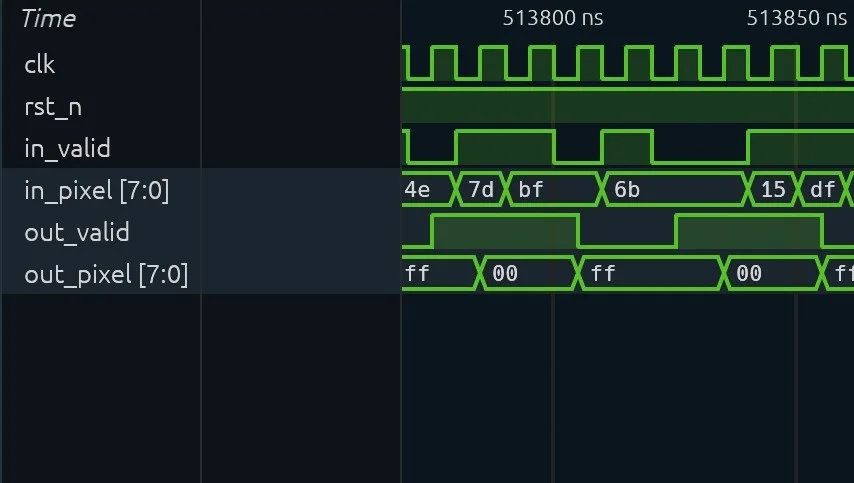
Simulation waveforms
Line up every signal of a run on one timeline. VCD, FST and GST.
Products
An AI desktop workbench built for semiconductor engineering. It connects your professional tools to carry out complex tasks, speeding up design and verification.
Hand Micius a task in your project and check the result in place.
Domain projects
Pick a folder and its domain: Chip, PCB, Godot, CAD or CUDA. In a chip project, Micius lints the RTL, simulates, synthesises, and places and routes.
Sessions
Trace how a design was changed and verified, for a review or a handover. Sessions are saved with the project, with every command, result and output file.
Check what Micius produced inside the project, without opening another tool.
Line up every signal of a run on one timeline. VCD, FST and GST.
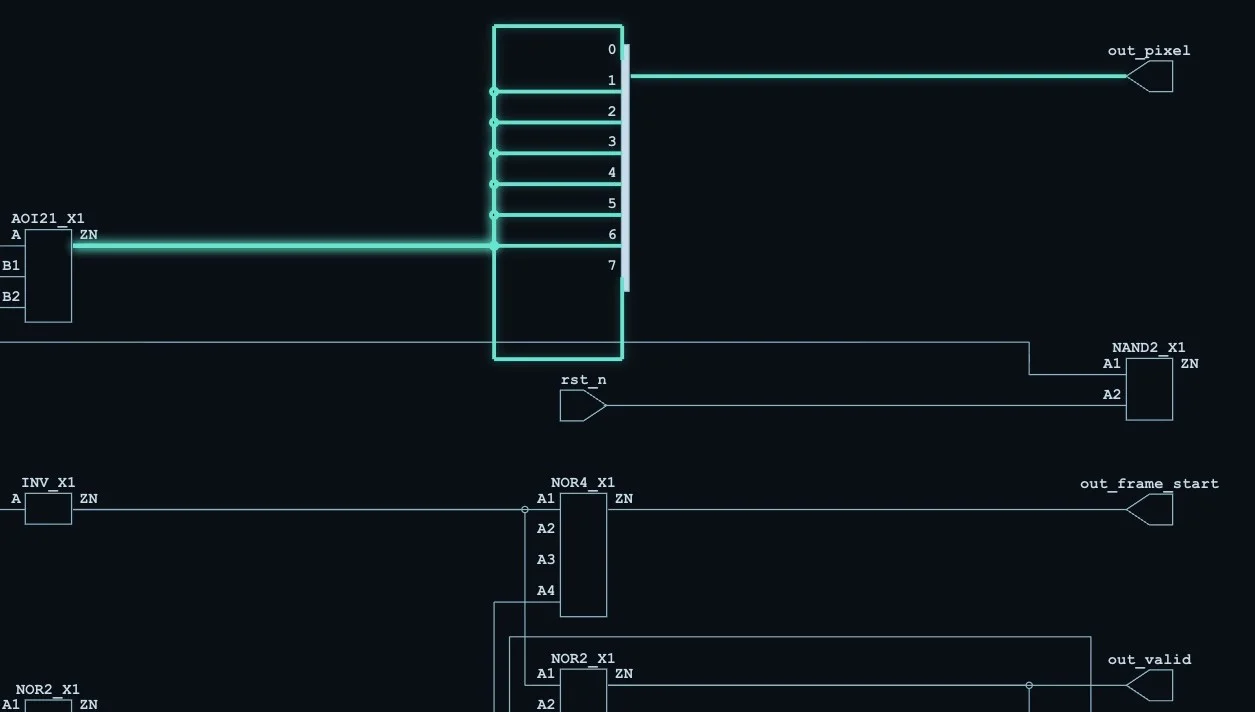
Trace a net from the cell that drives it to its output port.
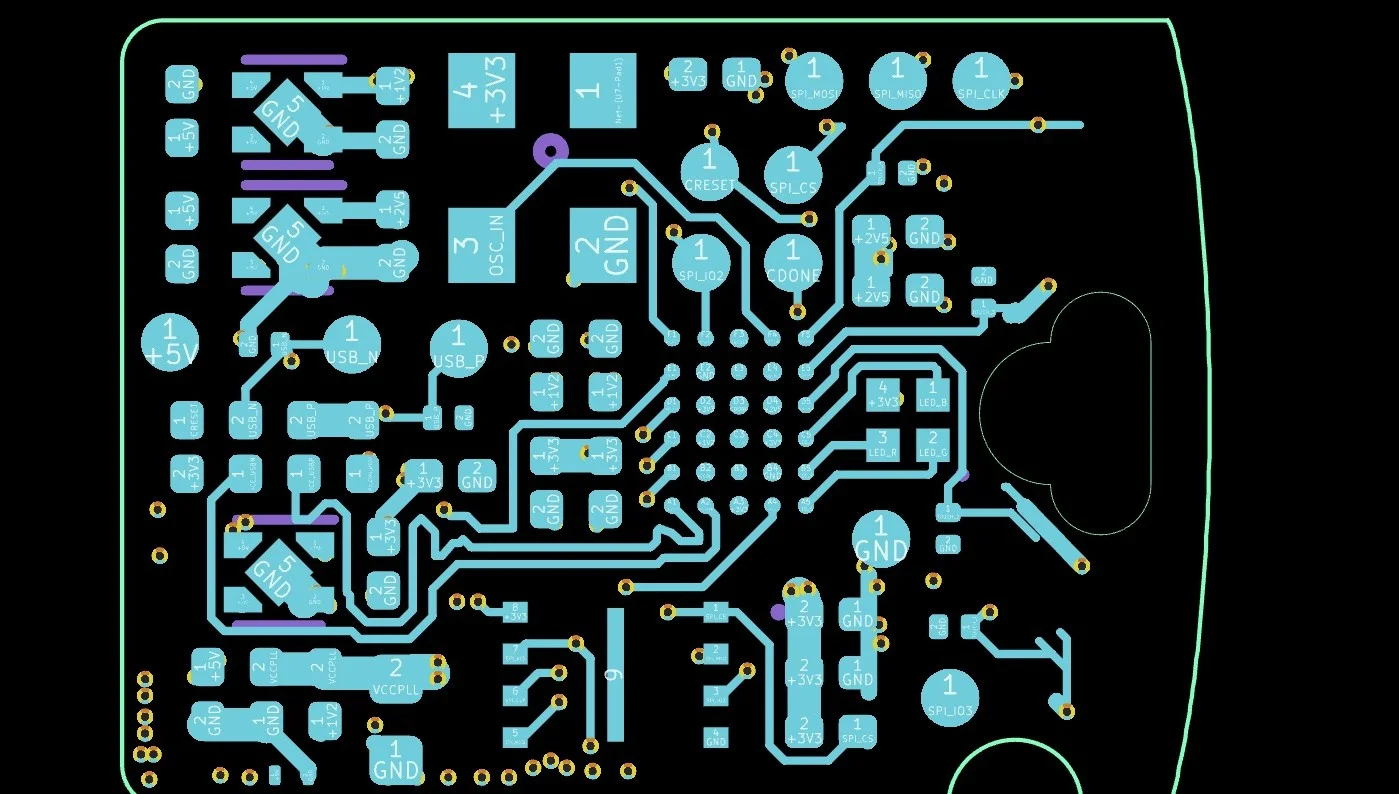
Step through a board’s layout and schematic, layer by layer.
Also opens
Each project keeps to its own tools. RTL and CUDA jobs can run on Zhiman Remote.
Domain isolation
Adding a domain never gives another project new permissions. Each domain is its own Domain Pack, and Micius uses only the current pack’s skills and tools, inside a system sandbox.
Remote execution
Run RTL simulations on remote Linux, and compile CUDA kernels and evaluate them on remote GPUs. Choose this computer or Zhiman Remote when you create a project. Files upload only after you review them, and status cards track each job.
Download it and give Micius its first task.
Apple silicon (M1 or later)
64-bit (x64)